iPhone vs Google Pixel: Which Is Better for Everyday Photos?
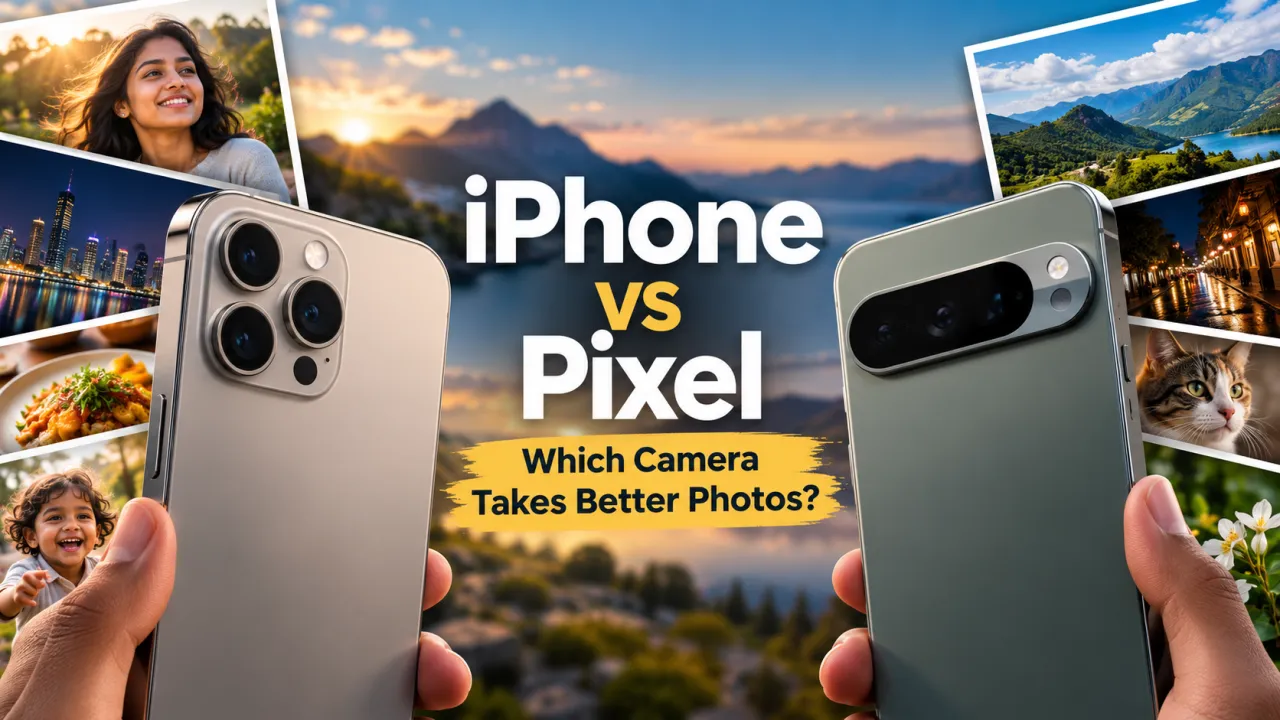
Compare iPhone and Google Pixel cameras for quick snapshots, portraits, night scenes, video and sharing, while focusing on the exact generation you plan to buy.
Choosing between an iPhone and a Google Pixel for photography is less about finding one universal winner and more about deciding which camera experience fits your routine. Both families include capable phones, but camera hardware and software change with each generation and configuration. A flagship model may include lenses or controls that are not present on a smaller or lower priced version. Compare the exact models available to you, then think about the pictures you take most often: friends, children, food, indoor events, night scenes, travel or short videos.
Start with the photographs you actually take
Camera discussions often focus on technical specifications, yet a larger sensor or a longer zoom does not automatically make every photograph more pleasing. The result depends on focus, exposure, colour processing, lens choice, movement and the conditions around the subject. A phone that opens quickly and captures a clear moment may be more valuable than one with a feature you rarely use.
Make a shortlist of three everyday situations. For example, you might photograph people indoors, take quick family pictures outdoors and record short clips while travelling. That list becomes your personal camera test. It also makes the comparison fair: use the same scene, lighting and subject with each device whenever possible.
The iPhone experience
Many buyers appreciate how iPhone camera controls connect with the wider Apple experience. If you already use a Mac, iPad or other Apple devices, moving and editing photographs may feel familiar. Video capture and playback are important strengths to evaluate when your memories include motion, sound and changing light. Examine the recording options on the exact generation and storage configuration, because available modes and file sizes can differ.
When comparing an iPhone, try the default camera first. Check whether the colour and exposure look natural to you, whether faces stay clear when people move, and whether you can switch between lenses without interrupting the moment. Then test the front camera for video calls and self portraits. A camera should feel easy to use when you have only a few seconds to capture a scene.
The Google Pixel experience
Pixel phones are known for computational photography, where software combines and processes image data to create the final result. Buyers often value the camera's straightforward approach and Google Photos integration. Exact features vary by Pixel model, so check the phone's specifications rather than assuming a tool available on one generation will be available on every Pixel.
Test portraits, difficult backlighting and indoor scenes. Notice how the phone renders skin, hair and background details. If you use Google's editing tools, check whether they are included on your preferred device and whether they fit your workflow. The practical question is whether the images look good to you and whether editing takes less effort, not whether a marketing label sounds impressive.
Portraits and people in motion
Portrait modes use software to separate a subject from the background and create a shallow depth effect. Hair, glasses and patterned clothing can challenge this separation. Photograph a person near a busy background and inspect the edges around the subject. Try different distances and lighting. A convincing portrait keeps attention on the person without making the background blur look artificial.
People rarely stay perfectly still. If you photograph children, friends at a gathering or a pet, capture several frames while the subject moves naturally. Compare sharpness, expression and exposure, not just the brightest image. A phone that handles motion well may deliver more keepers than one that produces a striking static photograph but misses quick expressions.
Night scenes and indoor lighting
Low light is a useful test because it exposes differences in focus, noise, colour and movement handling. Photograph the same indoor scene with ordinary room lighting, then a night street with a mixture of bright signs and dark areas. Look closely at faces, shadows and light sources. A long exposure can brighten a still scene but may blur a moving person. Test the automatic mode you are likely to use instead of relying only on a special night setting.
Night photographs can look different on the phone screen and on a larger display. Review them at normal size first, then zoom in to inspect detail. Ask whether the picture tells the story you wanted, rather than judging only its sharpest pixel. Slightly different colour processing is a matter of preference; missed focus or smudged movement may be a practical problem.
Video, sound and sharing
If video matters, record the same short walk or conversation on both devices. Notice focus transitions, stabilisation, sound clarity and how exposure responds as you move from shade to light. Check the resolution and frame rate you expect to use, and confirm that the selected storage configuration can accommodate your recordings. High quality clips can take more space than still photographs.
Consider where your videos go after recording. Sharing between friends, editing on a computer and backing up to a cloud account may differ depending on the devices and services you already use. A camera comparison should include the entire path from capture to sharing. Make sure the format and workflow suit the people with whom you exchange files.
Use a fair comparison checklist
- Compare the exact iPhone and Pixel generations, not just the brand names.
- Use the default camera and equivalent zoom levels first.
- Test people indoors, moving subjects, portraits and backlit scenes.
- Record a short video and listen to its sound in a quiet room.
- Review photographs on each phone and on a larger screen.
- Check storage, editing tools, backup services and device compatibility.
There is no need to select a winner from a chart alone. If possible, try both cameras in a shop or ask someone with the same model to share original photographs. Choose the phone whose results you enjoy and whose camera is comfortable to operate. Then compare its current UAE price, warranty and storage variant. A camera that suits your eye and fits your daily routine is the better choice for your photographs.
Common questions
Which brand takes better photos? Results vary by generation, lens and scene. Compare the two exact phones you are considering under the same conditions.
Is more megapixels always better? No. Image quality depends on the full camera system, processing, optics, focus and light.
Should I compare zoom? Yes, if you often photograph distant subjects. Check which lenses the exact model includes and compare their real results at the distances you use.
Frequently Asked Questions
Is an iPhone or Google Pixel better for everyday photos?
There is no universal winner. Results depend on the exact generations, lighting, camera modes, and personal preferences. Compare sample photos from the models you are considering in the situations you care about.
What should I compare for portrait photos?
Look at subject detail, skin tones, edge separation, background blur, and how consistently the phone focuses. Try the same scene on both phones where possible rather than judging from specifications alone.
How should I compare night photography?
Use similar low-light scenes and compare brightness, motion blur, colour, detail, and processing. A brighter image is not always more natural, so consider which result you prefer.
Does this camera comparison also tell me which phone is better for video?
Photo quality and video quality are different. If video matters, compare stabilisation, focus, audio, available resolutions, and sample clips from the exact phone models.
What should UAE buyers verify when choosing an iPhone or Pixel?
Confirm the exact generation, storage, colour, warranty provider, return terms, and current AED price. Check that the model and its features match the listing before checkout.